Pool of Radiance: Ruins of Myth Drannor invisible fix
Quick answer
On the original 2001 version, the fix for invisible objects and transparent characters is dgVoodoo 2: install the wrapper into the game folder, set Full Screen with "Stretched, 4:3 Aspect Ratio" scaling, and uncheck everything under the DirectX tab's Miscellaneous options. Apply the settings, launch the game, and barrels, chests and characters should render visibly. If you own the new digital re-release, you don't need any of this: the Steam re-release runs smoothly on modern hardware and fixes numerous original game bugs out of the box.
| Affected version | Original 2001 retail release on modern systemsPCGamingWiki - Pool of Radiance: Ruins of Myth Drannor |
|---|---|
| Community fix | dgVoodoo 2 with specific DirectX settingsPCGamingWiki - Pool of Radiance: Ruins of Myth Drannor |
| Re-release date | November 6, 2026 on SteamOfficial Steam page - Pool of Radiance: Ruins of Myth Drannor |
Fix invisible objects and transparent characters in Pool of Radiance: Ruins of Myth Drannor with the dgVoodoo steps or the new re-release enhancements.
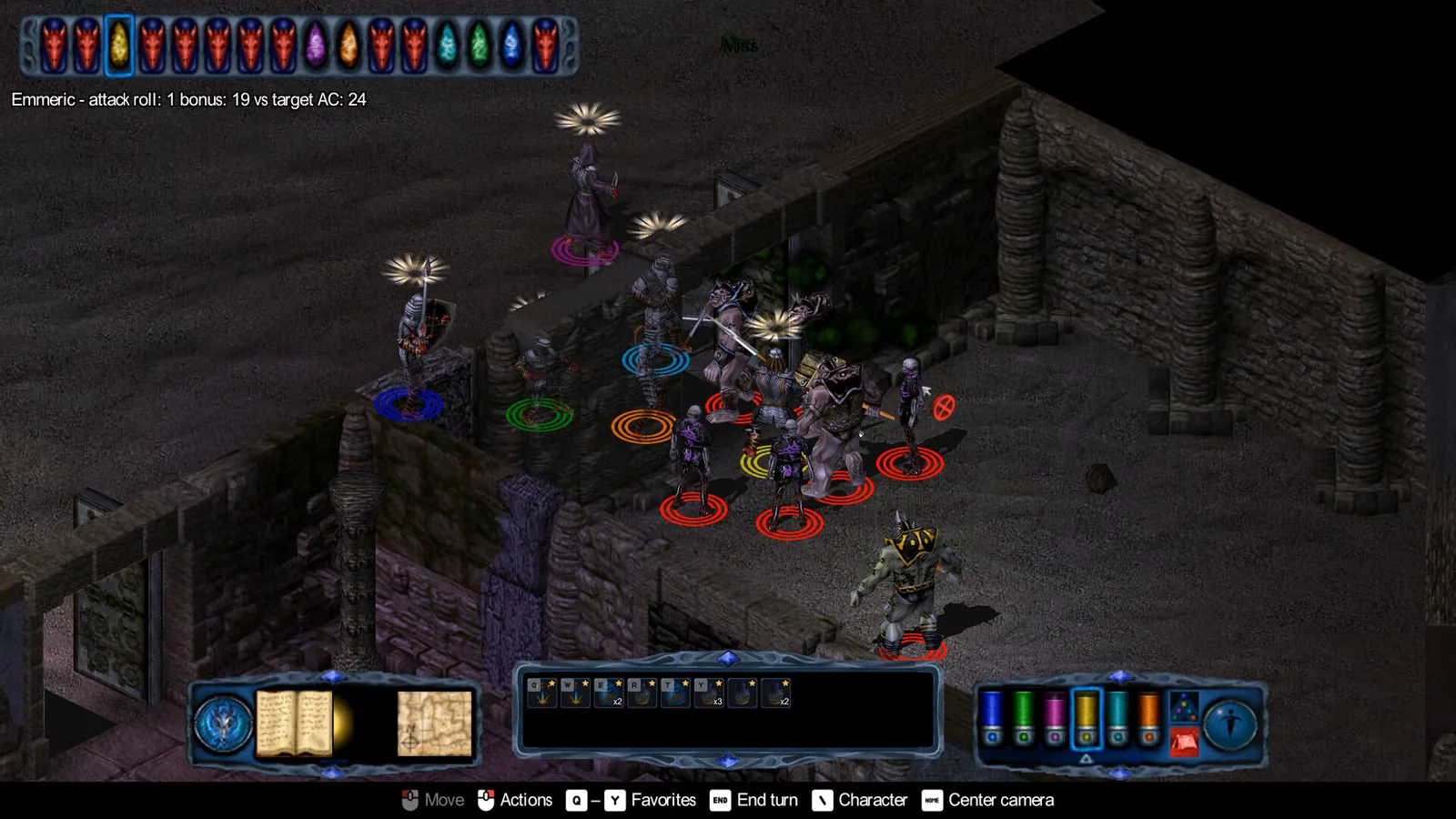
Table of Contents
On the original 2001 version, the fix for invisible objects and transparent characters is dgVoodoo 2: install the wrapper into the game folder, set Full Screen with "Stretched, 4:3 Aspect Ratio" scaling, and uncheck everything under the DirectX tab's Miscellaneous options. Apply the settings, launch the game, and barrels, chests and characters should render visibly. If you own the new digital re-release, you don't need any of this: the Steam re-release runs smoothly on modern hardware and fixes numerous original game bugs out of the box.
When this fix applies
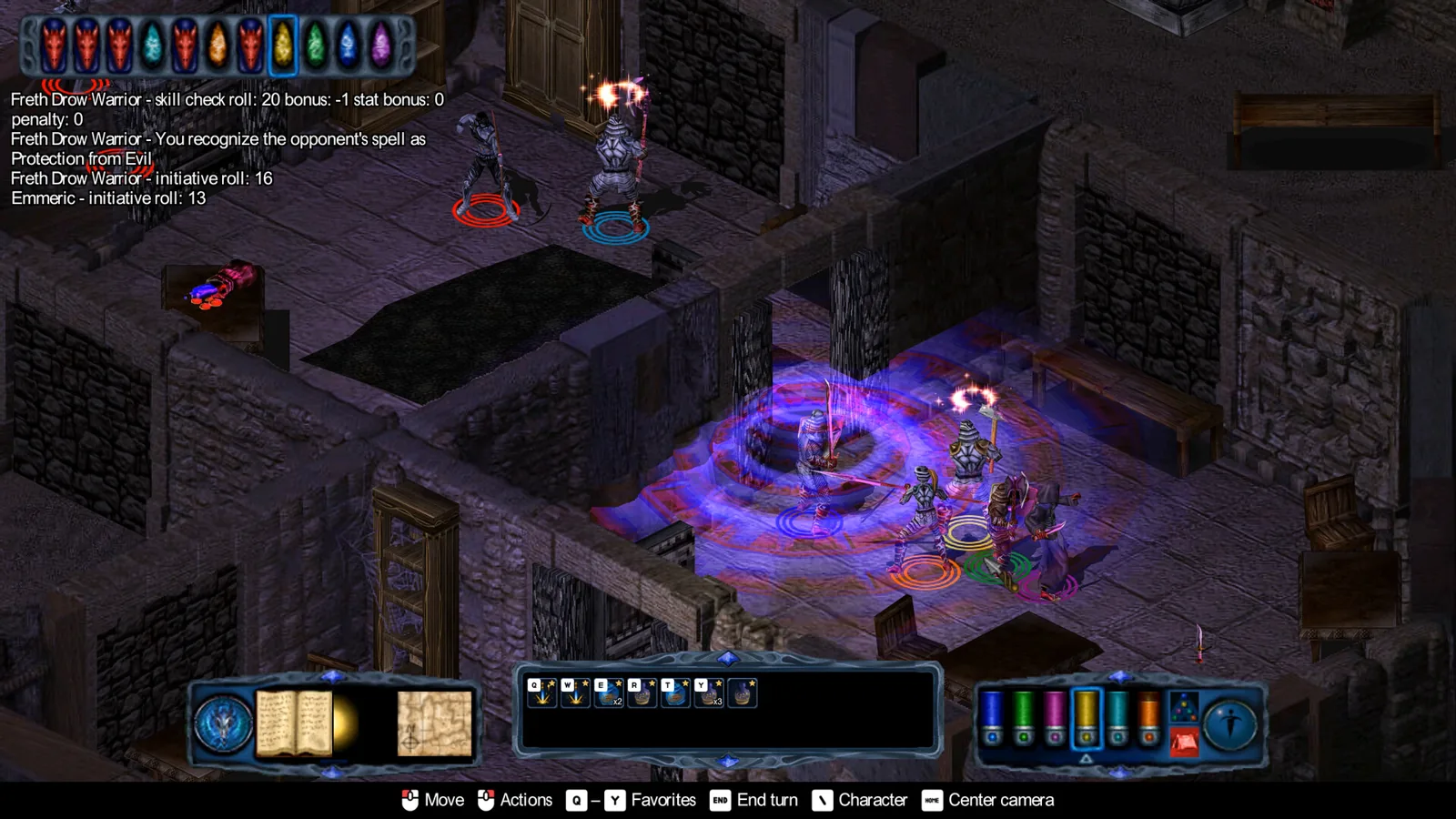
The symptom is well known on the old disc or DRM-free copies running on modern Windows: characters appear as bare skeletons at the start of the tutorial, and interactable objects such as barrels and chests are completely invisible.
It comes from the game's old DirectDraw/Direct3D 6 renderer clashing with modern systems, which is why a wrapper like dgVoodoo solves it. A player in the Steam discussions described running the original discs with "the patches and the graphic fix" to get the game working on Windows 11 without much trouble.
Applying the dgVoodoo fix
Get dgVoodoo 2
Download the dgVoodoo 2 package from its official distribution site.Copy the files into the game folder
ExtractdgVoodooCpl.exeanddgVoodoo.confinto the game's install directory, plusD3D8.dll,D3Dlmm.dllandDDraw.dllfrom the\MS\x86subfolder of the package.Point the control panel at the game
RundgVoodooCpl.exeand click the.\symbol in the top right so the settings apply to this game folder's running instance.Set the recommended options
On the General tab, set Appearance to "Full Screen" and Scaling Mode to "Stretched, 4:3 Aspect Ratio". On the DirectX tab, under Miscellaneous, uncheck every box.Apply and launch
Click Apply or Ok, then start the game. All objects and characters should now be visible.
If characters still render wrong after this, re-check that all three DLL files were copied from \MS\x86 and that the Miscellaneous options are truly all unchecked - those are the two settings the community fix hinges on.
The simpler alternative: the 2026 re-release
SNEG's re-release launched on Steam on November 6, 2026, and per the official Steam page it runs smoothly on modern hardware and fixes numerous original game bugs. It also adds widescreen support up to 4K, with an optional "Legacy" mode preserving the original look.
SNEG staff confirmed in the Steam forums during development that the notorious uninstall bug would be fixed, and the store listing's "fixed numerous original game bugs" line covers the class of rendering problems modern systems cause. If you're buying the game today, the re-release is the cleanest way to avoid the invisible-assets problem entirely.
Check note
Fix steps were checked on 2026-11-07 against the community-maintained PCGamingWiki page for the game, first-hand posts in the game's Steam discussions, and the official Steam page for the re-release. The dgVoodoo settings are a community fix, not something the developer has officially documented; whether the re-release's "Legacy" mode reproduces the original rendering bugs is unconfirmed.
Related guides for this game
Guide Guides Index
Pool of Radiance: Ruins of Myth Drannor Constitution Bug Fix
The Pool of Radiance: Ruins of Myth Drannor constitution bug permanently drains HP. Learn how to avoid it and restore lost hitpoints with a save editor.
Pool of Radiance: Ruins of Myth Drannor re-locked doors fix
Pool of Radiance: Ruins of Myth Drannor re-locked doors fix: hex-edit your save to re-add consumed keys and escape the soft lock on the first two doors.
Pool of Radiance: Ruins of Myth Drannor Maps for Dungeons
Find area maps for Pool of Radiance: Ruins of Myth Drannor dungeons, from the free Prima guide scans to the named areas you will explore.
Pool of Radiance: Ruins of Myth Drannor Oily Iron Key Door
Find the Oily Iron Key on the Dark Naga in the First Cellar and learn which Cult Stronghold door it unlocks in Pool of Radiance: Ruins of Myth Drannor.
Fixes Guides Index
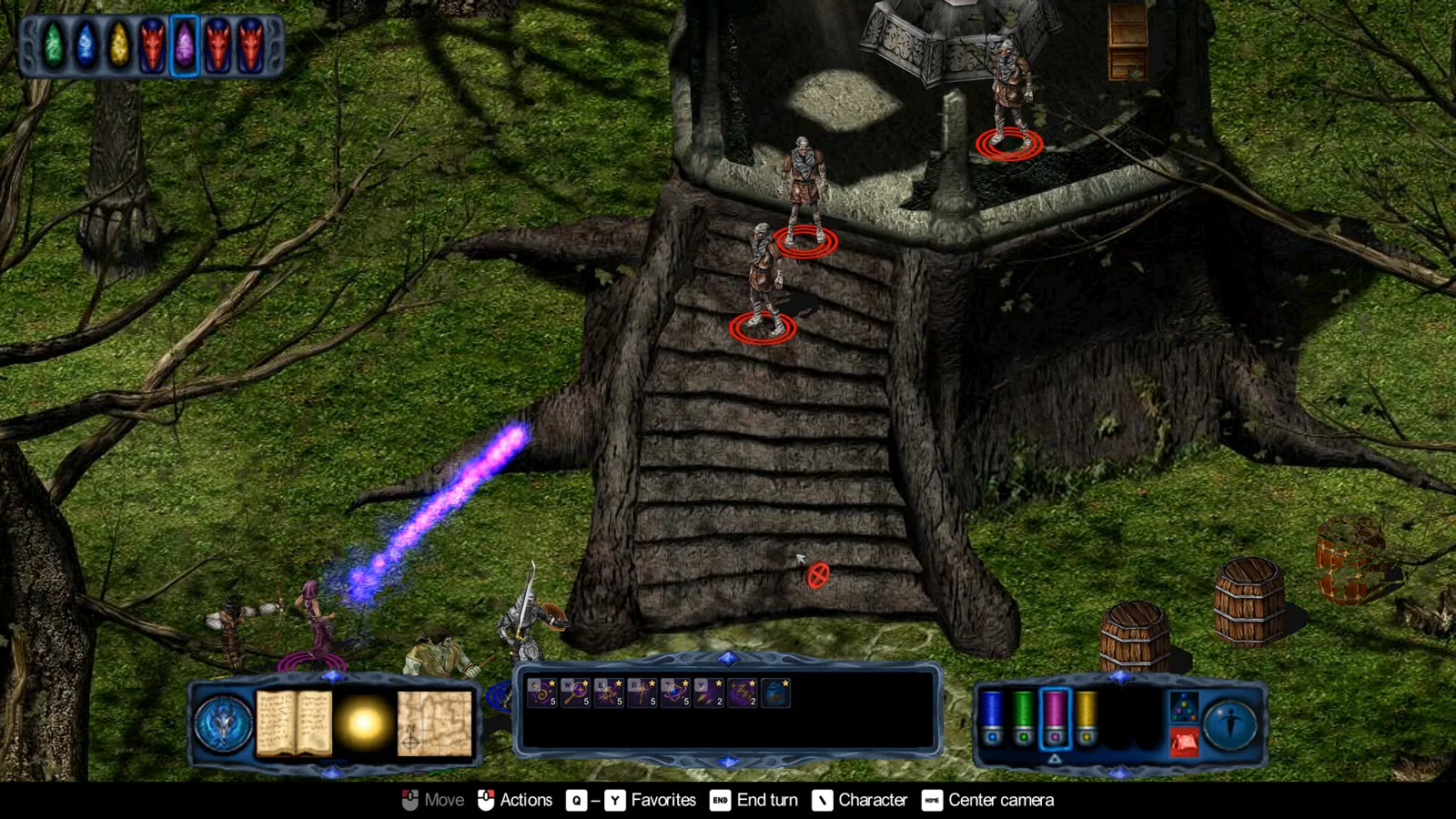
Pool of Radiance: Ruins of Myth Drannor Graphics Fix Guide
The Pool of Radiance: Ruins of Myth Drannor graphics fix for invisible objects and transparent characters uses dgVoodoo 2 on the retail version. Read how.
Characters Guides Index
Pool of Radiance: Ruins of Myth Drannor Best Party Guide
The best Pool of Radiance: Ruins of Myth Drannor party stacks sorcerers behind melee tanks, skips clerics and rogues, and favors pre-made heroes over customs.