Pool of Radiance: Ruins of Myth Drannor re-locked doors fix
Quick answer
The re-locked doors fix is to hex-edit your save file and swap a sacrificial item's 12-digit code for the key's code — for the first two main dungeon doors, Key of the Living is 4A 03 00 00 3D 9E and Key of the Dead is 49 03 00 00 3F A0. Per community documentation, this bug is still unfixed for at least those first two doors despite what the official patch notes claim, and no in-game workaround exists.
| Key of the Living hex code | 4A 03 00 00 3D 9EPCGamingWiki: Pool of Radiance: Ruins of Myth Drannor |
|---|---|
| Key of the Dead hex code | 49 03 00 00 3F A0PCGamingWiki: Pool of Radiance: Ruins of Myth Drannor |
| Save game location | <path-to-game>\Pool of Radiance\savegames (.sav files)PCGamingWiki: Pool of Radiance: Ruins of Myth Drannor |
Pool of Radiance: Ruins of Myth Drannor re-locked doors fix: hex-edit your save to re-add consumed keys and escape the soft lock on the first two doors.
Table of Contents
The re-locked doors fix is to hex-edit your save file and swap a sacrificial item's 12-digit code for the key's code — for the first two main dungeon doors, Key of the Living is 4A 03 00 00 3D 9E and Key of the Dead is 49 03 00 00 3F A0. Per community documentation, this bug is still unfixed for at least those first two doors despite what the official patch notes claim, and no in-game workaround exists.
When this bug hits you
Doors can re-lock after you opened them with a key, and the key is consumed on use. The classic trigger reported by players: you explore a section of the first dungeon level, find Beriand's staff and return it to him — then on the way back, the doors are locked and you cannot finish the game. When it happens, some (not all) loot containers also refill, so the level appears to partially reset; enemies, however, do not respawn.
Before resorting to the editor, try loading an earlier save made before you used the key. If you have none, the hex edit below is the only remaining route short of restarting.
Hex-edit the key back into a save
Locate the save file
Saves live in
<path-to-game>\Pool of Radiance\savegames. You need the.savfiles, not the.sav.stafiles.Prepare a sacrificial item
Pick one character, strip them of everything (give it to other party members) except one unimportant item — a light healing potion works; the merchant sells them and restocks when you change areas. Put that single item in the character's top-left inventory slot. Save the game as a new save file, then close the game.
Find your character in the file
Open the
.savfile in a hex editor and do a text search for that character's name (a long or unusual name helps avoid matching a game function). Shortly after the name you should find the code for the single inventory item, surrounded by mostly empty code.Replace the item code with the key code
Each item code is 12 hex digits, followed by a hex
01. Example: a standard light healing potion starts06 03 01 00plus four more symbols (e.g.06 03 01 00 20 00); merchant-sold potions start16 00 01 00(e.g.16 00 01 00 0C 00). Overwrite all 12 digits with the key code you need, then save.Load and confirm
Load that save in the game — the sacrificial item should now be the key. Use it on the re-locked door.
Check note
Save locations and hex codes come from the community-maintained PCGamingWiki page, last checked 2026-11-07. The official Steam page for the SNEG re-release (released November 6, 2026) lists "fixed numerous original game bugs" but does not specifically confirm the re-locked doors bug is fixed in this version — whether the hex method and codes apply unchanged to the Steam re-release is unconfirmed, so verify on a backup save first.
Related guides for this game
Guide Guides Index
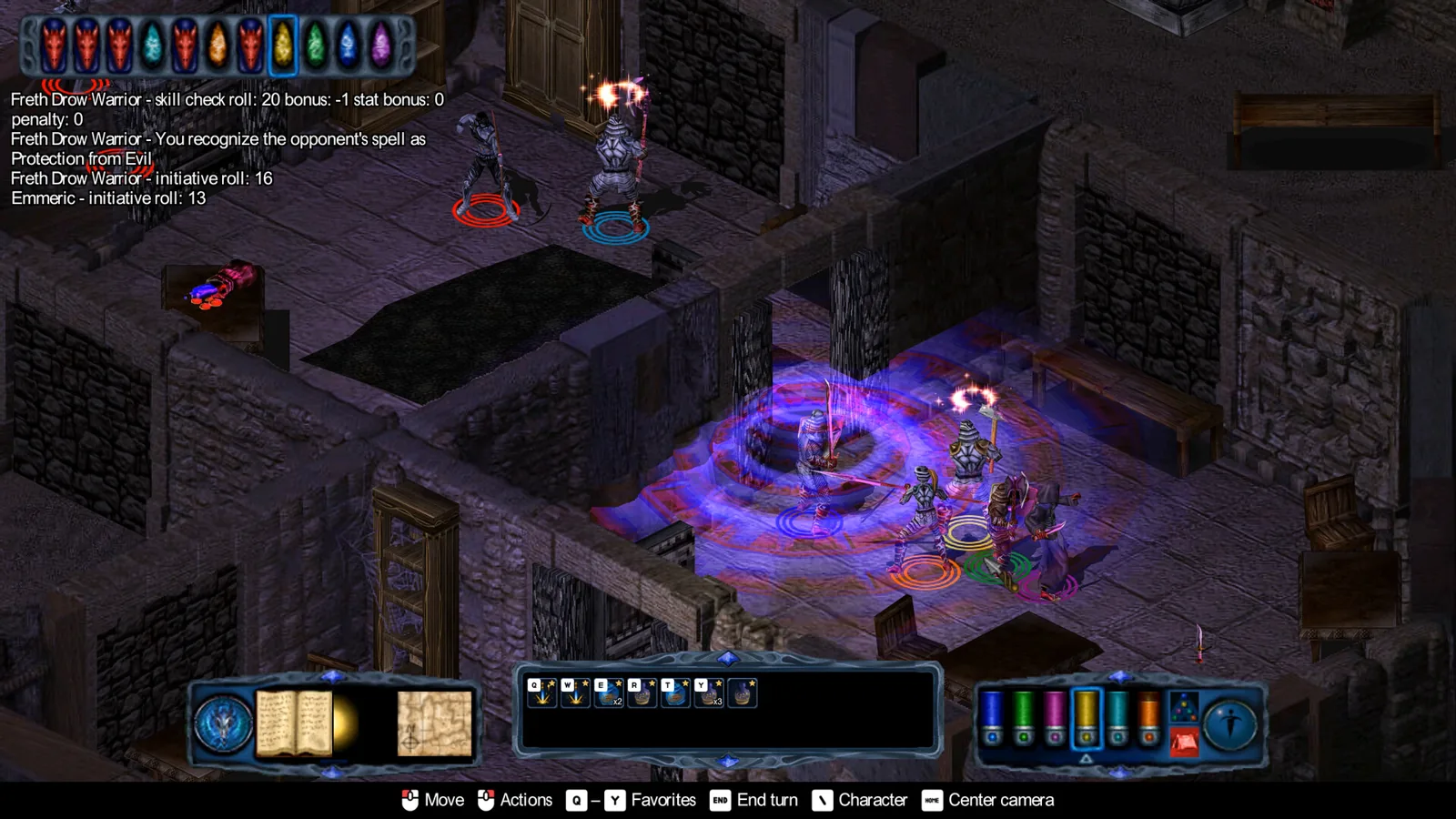
Pool of Radiance: Ruins of Myth Drannor Constitution Bug Fix
The Pool of Radiance: Ruins of Myth Drannor constitution bug permanently drains HP. Learn how to avoid it and restore lost hitpoints with a save editor.
Pool of Radiance: Ruins of Myth Drannor invisible fix
Fix invisible objects and transparent characters in Pool of Radiance: Ruins of Myth Drannor with the dgVoodoo steps or the new re-release enhancements.
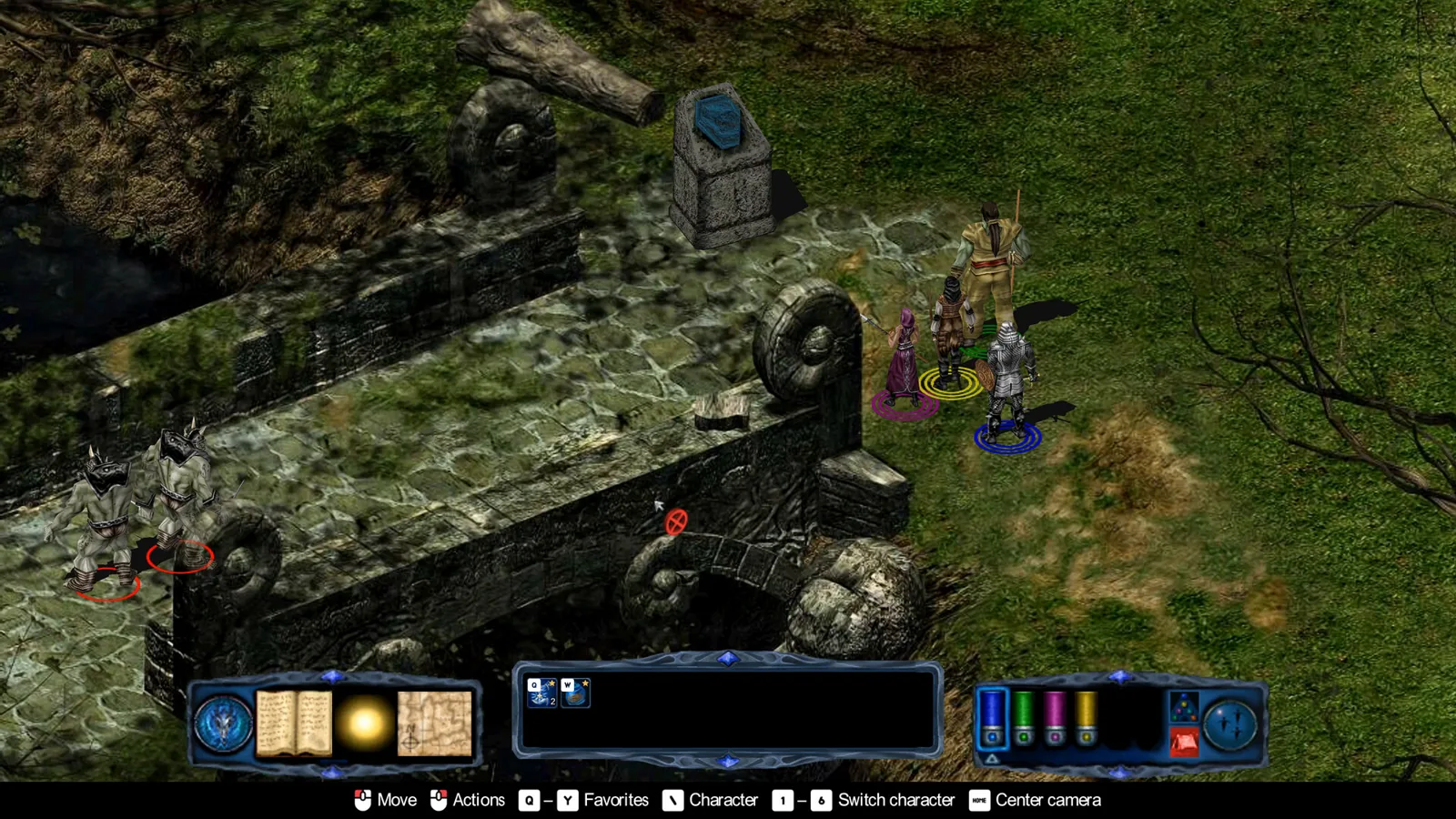
Pool of Radiance: Ruins of Myth Drannor Maps for Dungeons
Find area maps for Pool of Radiance: Ruins of Myth Drannor dungeons, from the free Prima guide scans to the named areas you will explore.
Pool of Radiance: Ruins of Myth Drannor Oily Iron Key Door
Find the Oily Iron Key on the Dark Naga in the First Cellar and learn which Cult Stronghold door it unlocks in Pool of Radiance: Ruins of Myth Drannor.
Fixes Guides Index
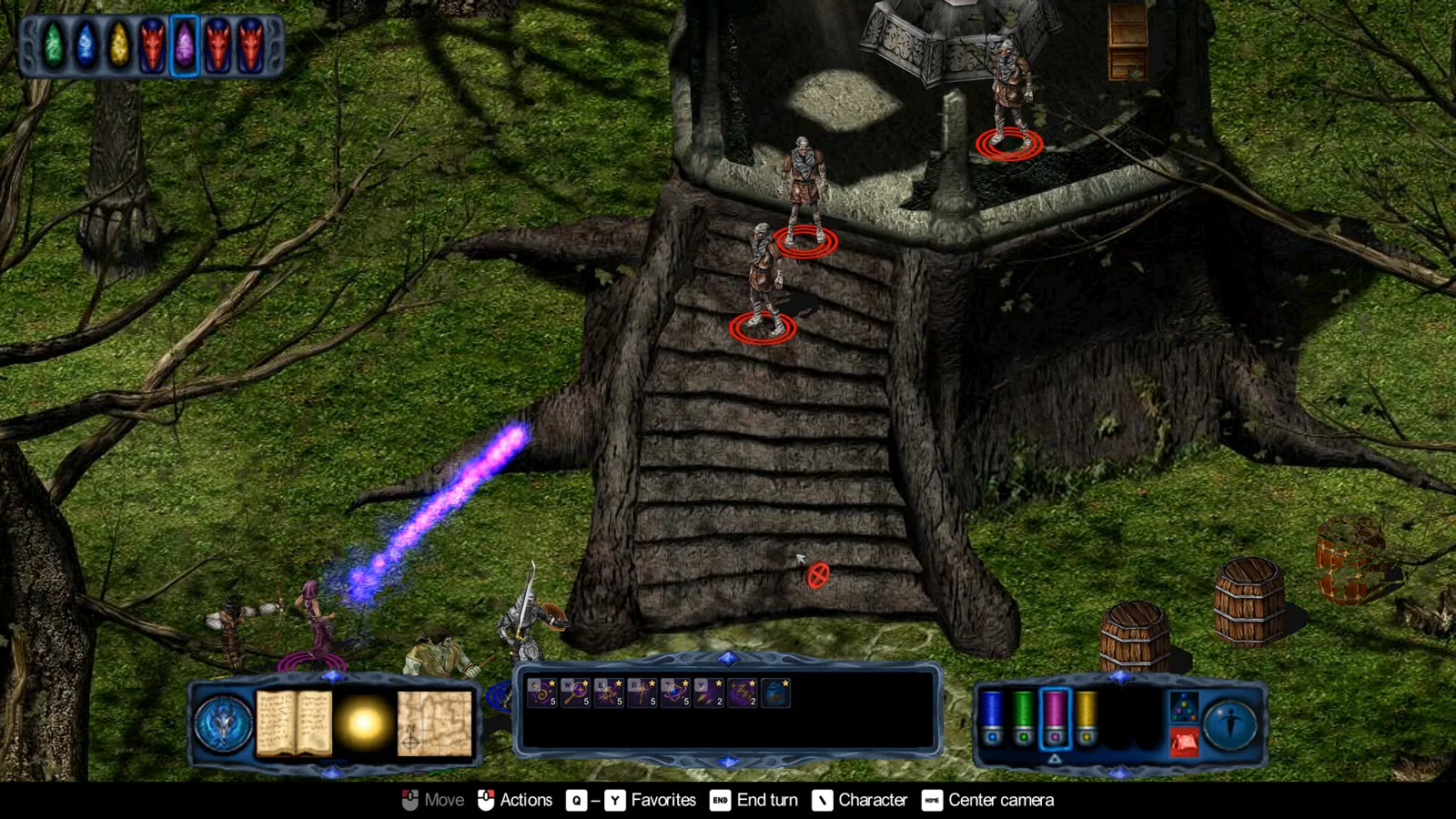
Pool of Radiance: Ruins of Myth Drannor Graphics Fix Guide
The Pool of Radiance: Ruins of Myth Drannor graphics fix for invisible objects and transparent characters uses dgVoodoo 2 on the retail version. Read how.
Characters Guides Index
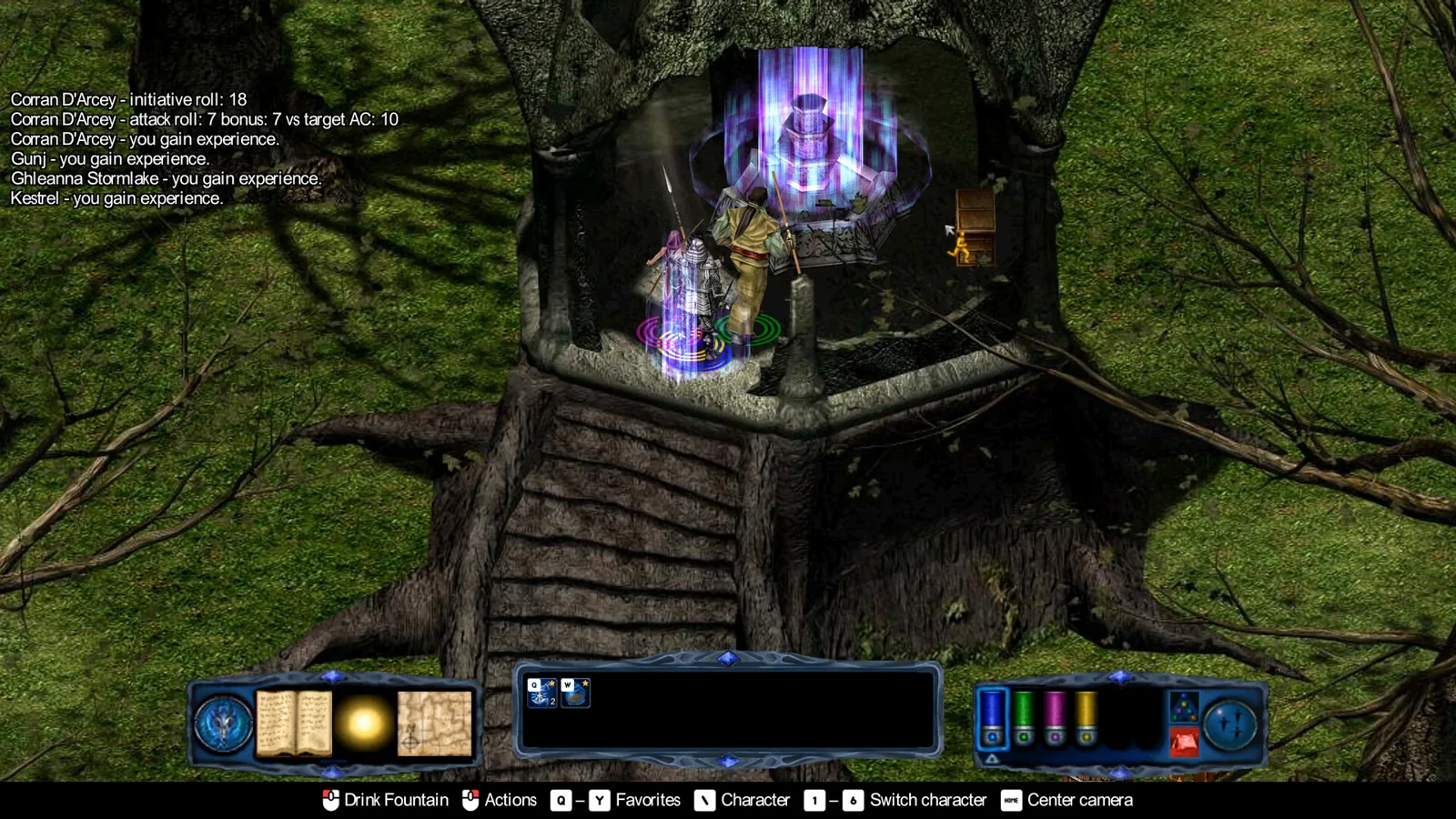
Pool of Radiance: Ruins of Myth Drannor Best Party Guide
The best Pool of Radiance: Ruins of Myth Drannor party stacks sorcerers behind melee tanks, skips clerics and rogues, and favors pre-made heroes over customs.