Pool of Radiance: Ruins of Myth Drannor Graphics Fix Guide
Quick answer
The confirmed Pool of Radiance: Ruins of Myth Drannor graphics fix for invisible objects and transparent characters is dgVoodoo 2, a DirectX wrapper you copy into the game folder on the 2001 retail release. Use it when characters appear as skeletons at the start of the tutorial, or when barrels and chests cannot be seen. Note this applies to the original retail copy only: the new Steam re-release by SNEG, released November 6, 2026, runs on modern hardware with fixed bugs, sharper visuals and 4K widescreen, so its players do not need this workaround.
| Graphics fix for retail version | dgVoodoo 2 (D3D8.dll, D3Dlmm.dll, DDraw.dll, dgVoodooCpl.exe, dgVoodoo.conf in game folder)PCGamingWiki: Pool of Radiance: Ruins of Myth Drannor |
|---|---|
| Re-release graphics status | Runs smoothly on modern hardware, sharper visuals, widescreen up to 4K (SNEG, Nov 6, 2026)Pool of Radiance: Ruins of Myth Drannor on Steam |
| Latest retail patch | 1.4, plus 1.1 uninstaller patch first on 1.0 copiesPCGamingWiki: Pool of Radiance: Ruins of Myth Drannor |
The Pool of Radiance: Ruins of Myth Drannor graphics fix for invisible objects and transparent characters uses dgVoodoo 2 on the retail version. Read how.
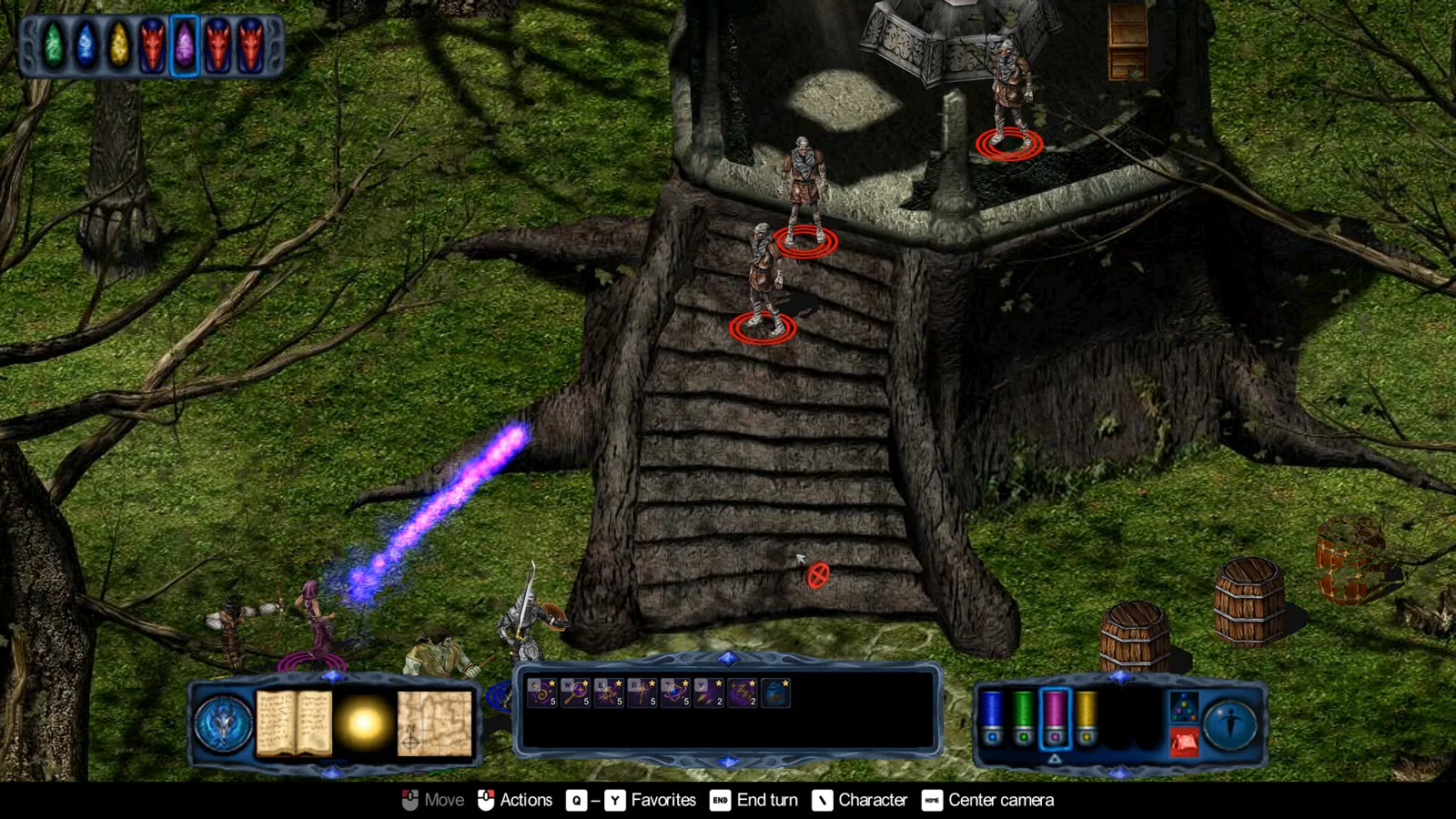
Table of Contents
The confirmed Pool of Radiance: Ruins of Myth Drannor graphics fix for invisible objects and transparent characters is dgVoodoo 2, a DirectX wrapper you copy into the game folder on the 2001 retail release. Use it when characters appear as skeletons at the start of the tutorial, or when barrels and chests cannot be seen. Note this applies to the original retail copy only: the new Steam re-release by SNEG, released November 6, 2026, runs on modern hardware with fixed bugs, sharper visuals and 4K widescreen, so its players do not need this workaround.
Applying the dgVoodoo fix
This fix is documented by the PCGamingWiki community for the retail Windows version, and a player on the Steam discussions reports getting the patched game running on Windows 11 with "the patches and the graphic fix".
Install the patches first
Check your version in the main menu, bottom right. If it is 1.0, install the 1.1 uninstaller patch before anything else, then the latest official patch, 1.4, choosing the file for your language version. The 1.2 retail re-release already includes the 1.1 uninstaller.
Download and place dgVoodoo 2
Extract
dgVoodooCpl.exeanddgVoodoo.confinto<path-to-game>, plusD3D8.dll,D3Dlmm.dllandDDraw.dllfrom its\MS\x86subfolder.Configure the wrapper
Run
dgVoodooCpl.exeand click the.\symbol in the top right to set your game folder as the running instance. On the General tab set Appearance to "Full Screen" and Scaling Mode to "Stretched, 4:3 Aspect Ratio". On the DirectX tab, under Miscellaneous, uncheck everything, then click Apply or Ok.Launch and verify
Start the game. Characters should render normally instead of as skeletons, and barrels and chests should be visible.
Next steps
- Still troubleshooting startup rather than rendering? See our page on Pool of Radiance: Ruins of Myth Drannor on Windows 10.
- Need the patch files themselves? Our patch guide covers versions 1.1 through 1.4.
- Hitting non-visual problems like lost hitpoints or re-locked doors? Check our bug list.
FAQ
Do I need the dgVoodoo graphics fix on the Steam re-release?
No. SNEG's re-release on the official Steam page lists sharper visuals, widescreen support including 4K and fixed original bugs, so it renders correctly without community wrappers.
Why do my characters look like skeletons at the tutorial start?
That is the known rendering glitch this fix targets; community-documented dgVoodoo 2 configuration restores correct character and object display.
Does the fix work on Windows 11?
One veteran player on the Steam forums reports the retail game running on Windows 11 without much trouble once patches and the graphic fix were applied; individual results are unverified.
Checked 2026-11-07 against the official Steam store page and first-hand reports in the Steam community discussion. The dgVoodoo steps come from PCGamingWiki and remain community-documented, not developer-confirmed for every setup.
Related guides for this game
Fixes Guides Index
Pool of Radiance: Ruins of Myth Drannor Patch Guide
Need the Pool of Radiance: Ruins of Myth Drannor patch? Identify your copy, then get version 1.4, the last official 22 MB download and final 2001 update.
Pool of Radiance: Ruins of Myth Drannor Bug List and Fixes
Every known Pool of Radiance: Ruins of Myth Drannor bug, from permanent hitpoint loss to re-locked doors, with the fixes and prevention steps that work.
Pool of Radiance: Ruins of Myth Drannor Windows 10 Specs
Check if your Windows 10 PC can run Pool of Radiance: Ruins of Myth Drannor, with the full official system requirements and a quick compatibility checklist.
Characters Guides Index
Pool of Radiance: Ruins of Myth Drannor Best Party Guide
The best Pool of Radiance: Ruins of Myth Drannor party stacks sorcerers behind melee tanks, skips clerics and rogues, and favors pre-made heroes over customs.
Guide Guides Index
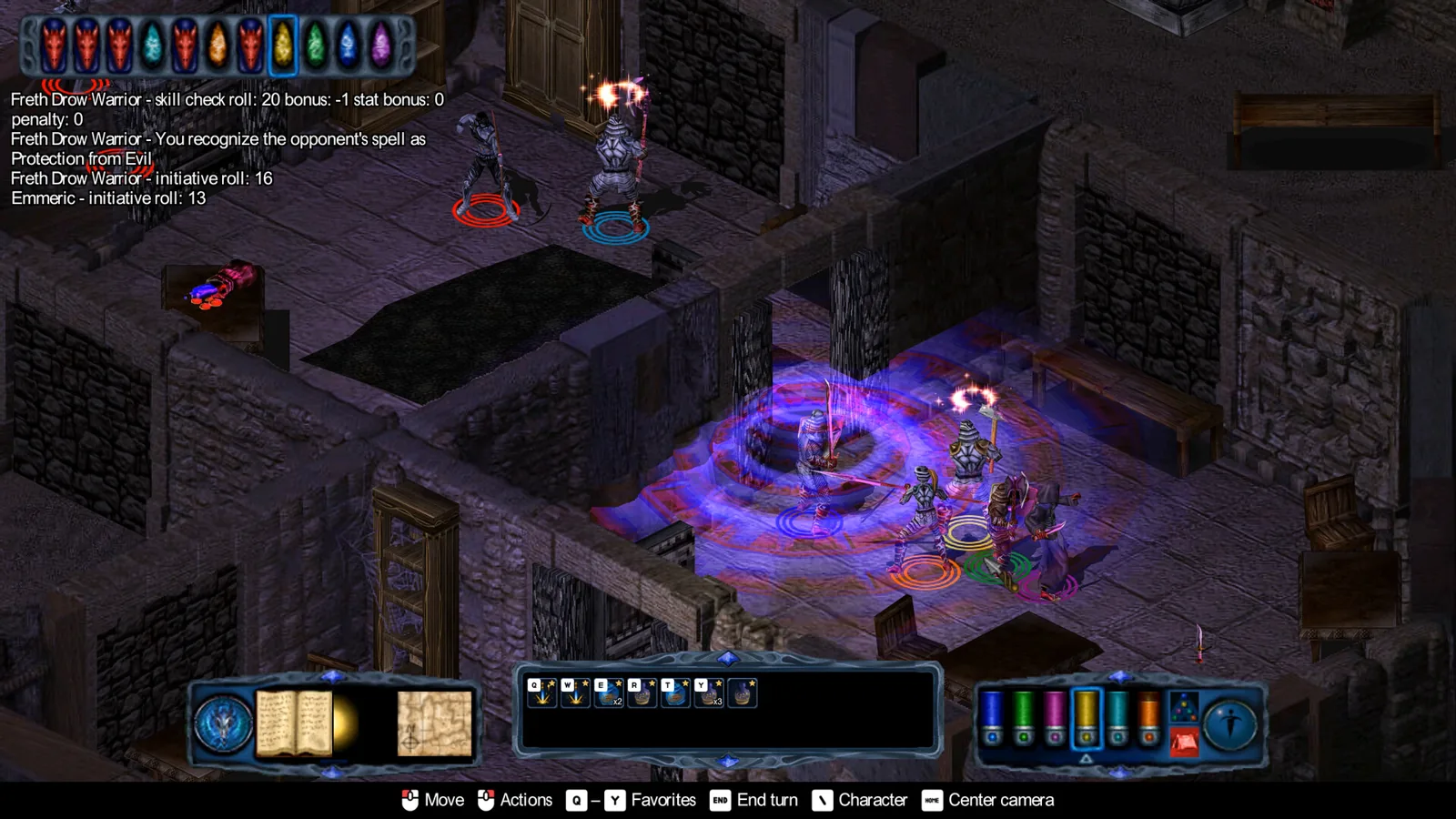
Pool of Radiance: Ruins of Myth Drannor Constitution Bug Fix
The Pool of Radiance: Ruins of Myth Drannor constitution bug permanently drains HP. Learn how to avoid it and restore lost hitpoints with a save editor.
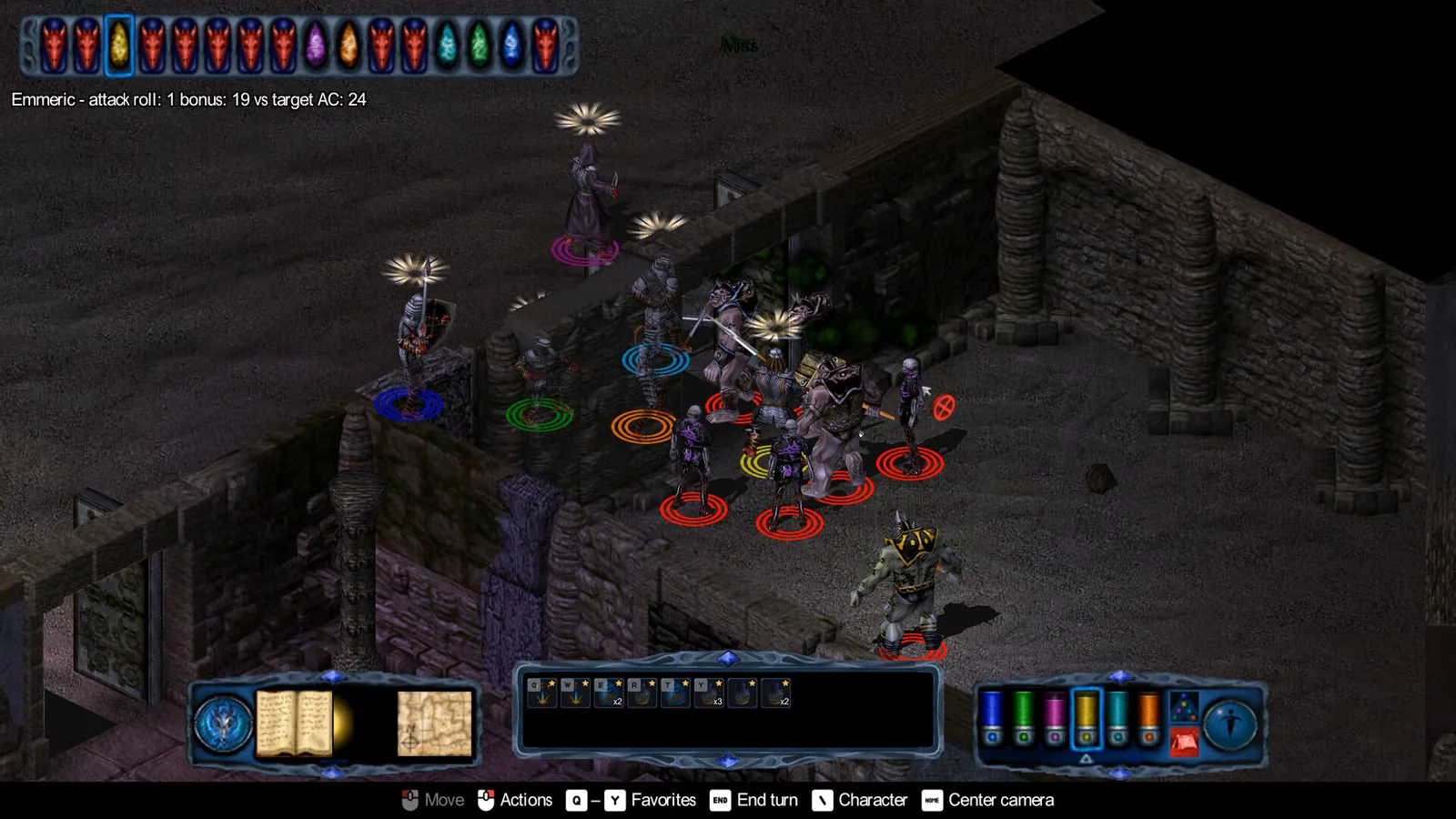
Pool of Radiance: Ruins of Myth Drannor invisible fix
Fix invisible objects and transparent characters in Pool of Radiance: Ruins of Myth Drannor with the dgVoodoo steps or the new re-release enhancements.