Pool of Radiance: Ruins of Myth Drannor Bug List and Fixes
Quick answer
Unequip every Constitution-increasing item before any permanent CON gain or levelup — this prevents the worst progression bug in the game — and, if you are on the 2001 retail version, install the official 1.4 patch to fix launch failures on modern systems. The cleanest solution overall is the Steam re-release, released November 6, 2026, which per the official page "fixes numerous original game bugs" and runs on Windows 10/11. The list below covers the documented bugs of the original release, their fixes, and how to avoid them.
| Steam re-release | Released November 6, 2026; fixes numerous original game bugs; Windows 10/11Pool of Radiance: Ruins of Myth Drannor on Steam |
|---|---|
| Latest retail patch | 1.4, the last official patch for the 2001 retail versionPool of Radiance: Ruins of Myth Drannor on Steam |
| Uninstaller bug | Developer SNEG confirmed on Steam it is fixed in the re-releaseSteam community discussion: bug concerns |
| Demo Patch #1 | Fixed a font-related crash and text-size setting, October 30, 2026Pool of Radiance: Ruins of Myth Drannor on Steam |
Every known Pool of Radiance: Ruins of Myth Drannor bug, from permanent hitpoint loss to re-locked doors, with the fixes and prevention steps that work.
Table of Contents
Unequip every Constitution-increasing item before any permanent CON gain or levelup — this prevents the worst progression bug in the game — and, if you are on the 2001 retail version, install the official 1.4 patch to fix launch failures on modern systems. The cleanest solution overall is the Steam re-release, released November 6, 2026, which per the official page "fixes numerous original game bugs" and runs on Windows 10/11. The list below covers the documented bugs of the original release, their fixes, and how to avoid them.
1. Uninstaller data-loss bug (original 2001 release)
The most notorious bug at launch: if the game was installed anywhere other than the default path on the C: drive, the uninstaller could delete critical system and personal files, sometimes leaving the operating system unbootable. Stormfront Studios released a patch quickly to fix it.
- Fix: never run the original uninstaller; the 1.1 uninstaller patch must be applied first if you are on the original 1.0 version.
- Confirmed fixed: when a player raised this on the Steam community forums, a SNEG developer answered "Yes, of course it will be fixed in the re-release."
2. Invisible objects and transparent characters (retail on modern systems)
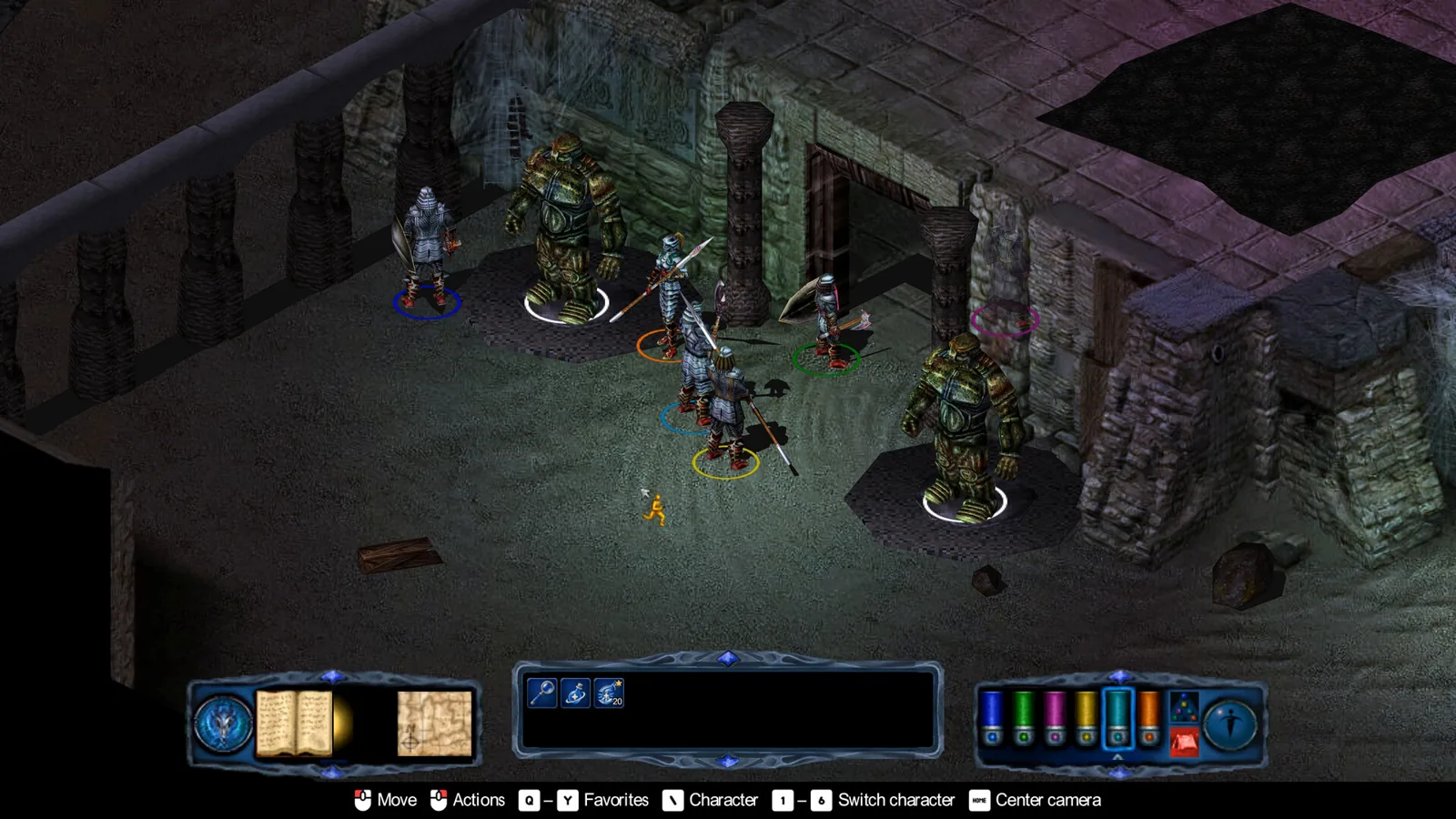
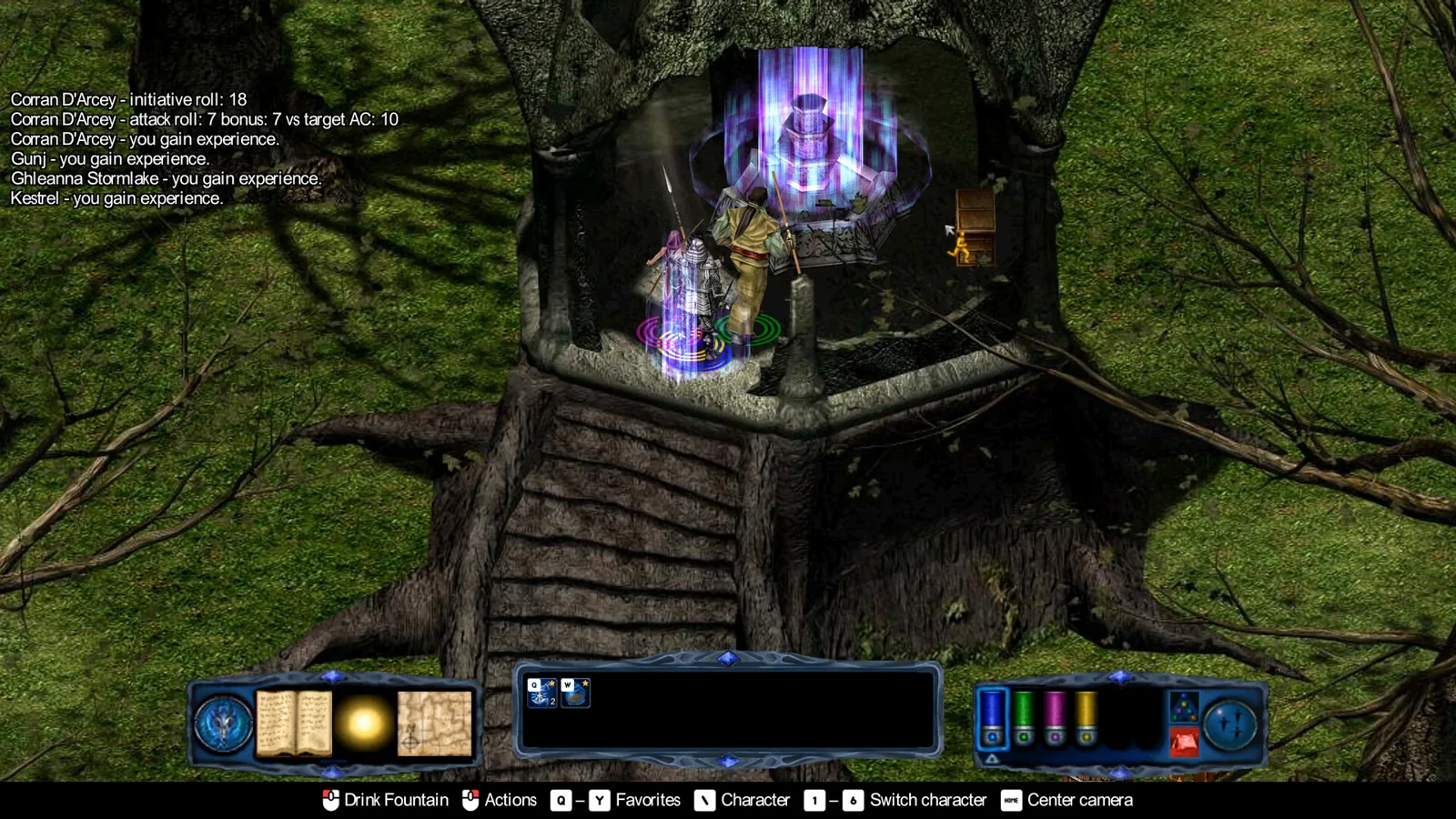
On modern machines, characters can appear as skeletons at the start of the tutorial, and barrels and chests become invisible or unselectable. A player in the Steam discussion listed this as bug number one on modern systems, and a SNEG developer replied that the re-release was being worked on with these reports noted.
Get dgVoodoo 2
Download the dgVoodoo 2 wrapper from its official distribution page.
Copy the wrapper files
Extract
dgVoodooCpl.exeanddgVoodoo.confinto the game folder, plusD3D8.dll,D3Dlmm.dllandDDraw.dllfrom the\MS\x86subfolder.Configure dgVoodoo
Run
dgVoodooCpl.exe, set the running instance to the game folder, then on the General tab set Appearance to "Full Screen" and Scaling Mode to "Stretched, 4:3 Aspect Ratio". On the DirectX tab, uncheck everything under Miscellaneous.Launch the game
Objects and characters should now render correctly.
3. Constitution hitpoint bug (all versions)
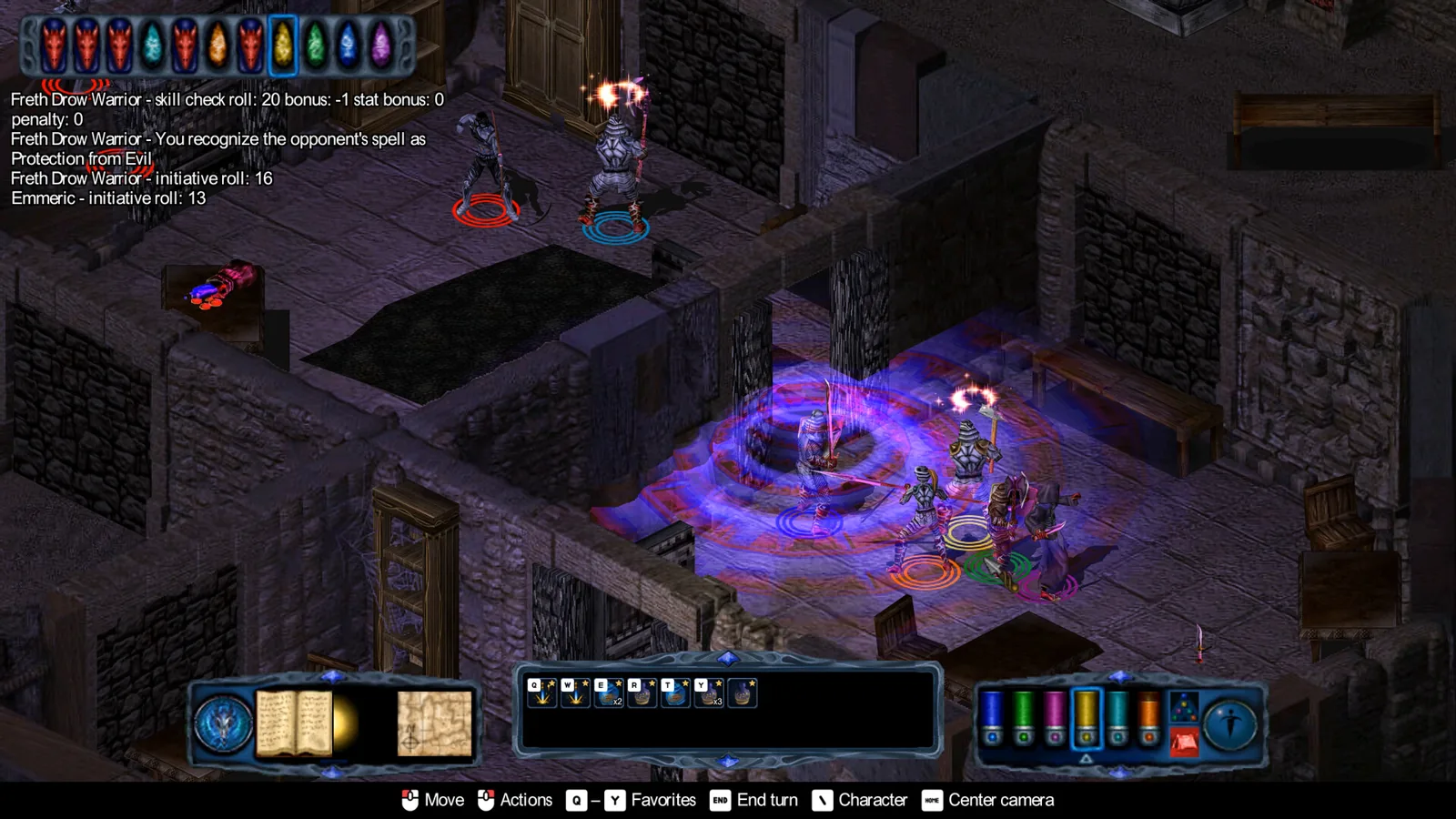
There is a rare bug where you permanently lose hitpoints after unequipping an item that raises Constitution. It happens when a CON-boosting item takes your Constitution to an uneven number, a permanent increase (for example from an attribute barrel) then brings it to an even number — raising your CON modifier and saving throws but not max HP — and you then unequip the item. The game subtracts hitpoints for the modifier drop that was never added, leaving you permanently short. You also gain less HP on levelup while wearing CON-increasing items.
- Before any permanent Constitution improvement, unequip all CON-increasing items.
- Before every levelup, unequip all CON-increasing items.
If a character already lost hitpoints, players on community fix pages report a savegame editor can restore them: raise the affected character's HP by their level (for example +3 HP at level 3). You only need to do this once — the bug does not carry through later levelups. Level drain and its removal has also been reported to restore the correct hitpoints, though that method needs more testing.
4. Re-locked dungeon doors (game-breaking)
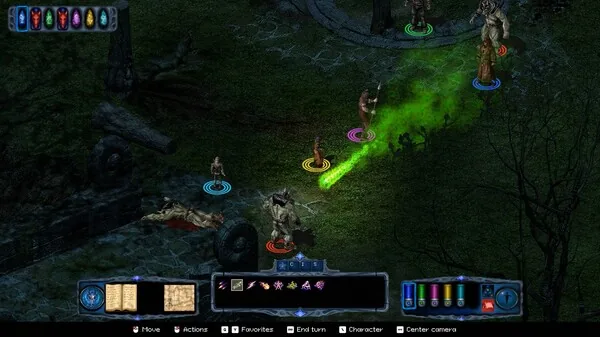
Doors you opened with a key can re-lock after you explore and return, and the key is consumed on use. The most common scenario: you explore the first dungeon level, find Beriand's staff, return it to him, come back — and the doors are locked. Community reports say this is still unfixed for at least the first two doors of the first dungeon despite patch notes, and it can block finishing the game.
The hex codes for the two keys to the first two main dungeon doors:
- Key of the Living:
4A 03 00 00 3D 9E - Key of the Dead:
49 03 00 00 3F A0
Prepare a sacrifice item
Locate your saves in the game's
savegamesfolder and use the.savfiles (not.sav.sta). Strip one character of all items except one unimportant item (for example a light healing potion, which the merchant restocks) placed in the top-left inventory slot.Back up and save
Make a fresh save file before editing — a mistake can destroy the savegame.
Find the character in a hex editor
Open the
.savfile in a hex editor and text-search for the character's name. Pick a character with a long, unusual name so you do not match a game function by accident.Locate the item code
Shortly after the name you will find the item's 12-digit hexadecimal code followed by
01. Merchant light healing potions start16 00 01 00(for example16 00 01 00 0C 00); standard potions start06 03 01 00(for example06 03 01 00 20 00).Replace with the key code
Overwrite the 12 digits with the hex code for the key you need and save. On loading, the item has become that key.
5. Game doesn't launch on modern systems (retail)
The 2001 retail build predates modern Windows and frequently fails to start. Install patch 1.4, the last official retail patch, choosing the file for your language version; it includes the fixes from the 1.2 and 1.3 updates. If your version is 1.0 (check the bottom right of the main menu), apply the 1.1 uninstaller patch first, then 1.4. If you are on a version earlier than 1.4, run Pool II.exe in compatibility mode for Windows XP SP3.
6. Bugs reported on modern systems by players (fix status unconfirmed)
A player on the Steam forums reported these on the original game running on modern hardware; the developer acknowledged the post but did not confirm specific fixes:
- An autosave bug after the floor collapses into the small dungeon area: reloading can place the party above the hole, floating in air — a soft lock since the area is mandatory.
- Stat drain from wraiths or shadows sometimes cannot be cured with restoration at Beriend and Faeril's shelter, roughly half the time.
- Rogue evasion does not trigger on the lightning trap in the House of Gems, which the reporter calls game-breaking.
- The mouse cursor randomly disappears and only a full game restart brings it back.
- Frame rate drops to around 10 fps for no clear reason, especially with some spell effects such as Sleep, and can crash the game.
Whether the November 2026 re-release resolves each of these is not confirmed as of 2026-11-07; its official announcement promises "fixed numerous original game bugs" without a per-bug list.
What the Steam re-release fixes
Per the official announcement, the re-release runs smoothly on modern hardware, fixes numerous original game bugs, adds widescreen and 4K support, and includes an optional "Legacy" mode preserving original gameplay and visuals. The demo's Patch #1 notes (October 30, 2026) fixed a font-related crash, controller handling in the inventory, and the text-size setting. If you own The Temple of Elemental Evil or Forgotten Realms: The Archives – Collection Two, a bundle discount applies.
FAQ
Is the Pool of Radiance: Ruins of Myth Drannor bug list still relevant on the Steam version?
The re-release, out November 6, 2026, fixes numerous original game bugs per its official page, so the retail-era bugs above mostly apply to the 2001 release. The Constitution hitpoint bug and re-locked doors have not been individually confirmed fixed, so the prevention steps remain worth following.
How do I avoid losing permanent hitpoints?
Unequip all Constitution-increasing items before permanent CON gains and before every levelup. If hitpoints were already lost, a savegame editor can add back HP equal to the character's level, once.
What do I do if a dungeon door re-locks and I no longer have the key?
Use a hex editor to add the key code into your .sav savegame — Key of the Living is 4A 03 00 00 3D 9E and Key of the Dead is 49 03 00 00 3F A0 — following the steps above, or restart and hope the bug does not recur.
Does the game still have the dangerous uninstaller?
On the original retail release, never run the uninstaller without the 1.1 patch applied first. A SNEG developer confirmed on the Steam forums that the uninstall bug is fixed in the re-release.
Check note (2026-11-07): bug status for the re-release, the uninstaller confirmation, and patch notes come from the official Steam store page and the Steam community discussion. The dgVoodoo fix, Constitution bug details, hex editor key codes, and the modern-system player reports are community-documented for the original release and remain unconfirmed for the re-release.
Related guides for this game
Fixes Guides Index
Pool of Radiance: Ruins of Myth Drannor Graphics Fix Guide
The Pool of Radiance: Ruins of Myth Drannor graphics fix for invisible objects and transparent characters uses dgVoodoo 2 on the retail version. Read how.
Pool of Radiance: Ruins of Myth Drannor Patch Guide
Need the Pool of Radiance: Ruins of Myth Drannor patch? Identify your copy, then get version 1.4, the last official 22 MB download and final 2001 update.
Pool of Radiance: Ruins of Myth Drannor Windows 10 Specs
Check if your Windows 10 PC can run Pool of Radiance: Ruins of Myth Drannor, with the full official system requirements and a quick compatibility checklist.
Characters Guides Index
Pool of Radiance: Ruins of Myth Drannor Classes List
Pool of Radiance: Ruins of Myth Drannor classes: what the game and its re-release confirm about the class options you can pick when building your party.
Pool of Radiance: Ruins of Myth Drannor Companions List
Every Pool of Radiance: Ruins of Myth Drannor companions candidate in one list, plus how party size works and which details stay unverified for new players.
Guide Guides Index
Pool of Radiance: Ruins of Myth Drannor Constitution Bug Fix
The Pool of Radiance: Ruins of Myth Drannor constitution bug permanently drains HP. Learn how to avoid it and restore lost hitpoints with a save editor.